
Lab Note: Peek Into the Project Folders of the Pros
Gary Ritchie, October 23, 2026
I have kept a working interest in how people structure projects for a long time. Here I present a few simple web apps that allow you to peek into the project folders of the pros – and your own!
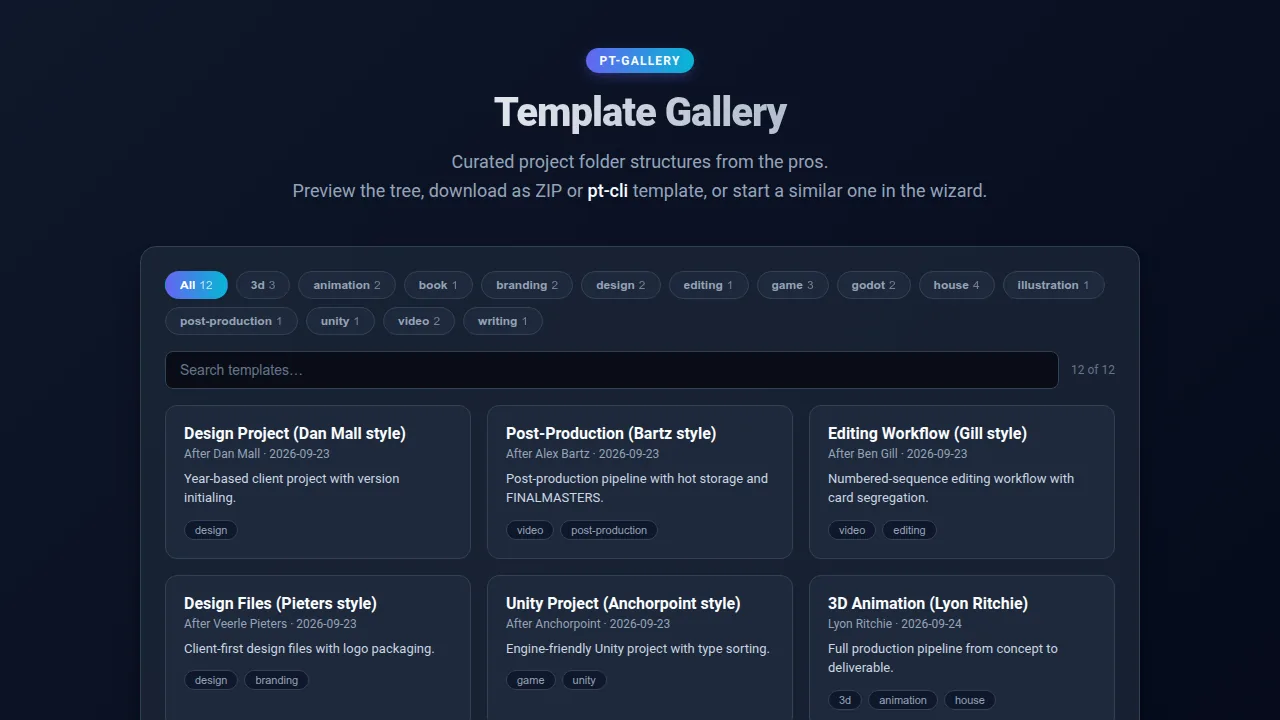
Pro Project Templates
Before customizing a directory tree for your own stack, it helps to see how industry leaders structure their workspace. PT Gallery is an index of real-world directory layouts used by studios, individual creators, and open-source teams, for example:
- Dan Mall (Design System Workflows)
- Alex Bartz (Post-Production & Video)
- Blender Studio (3D Production)
- GDQuest (Game Development Pipelines)
Browsing these templates allows you to inspect real-world folder hierarchies, compare organizational approaches across disciplines, and find inspiration for your own projects.
Customizing Your Workflow
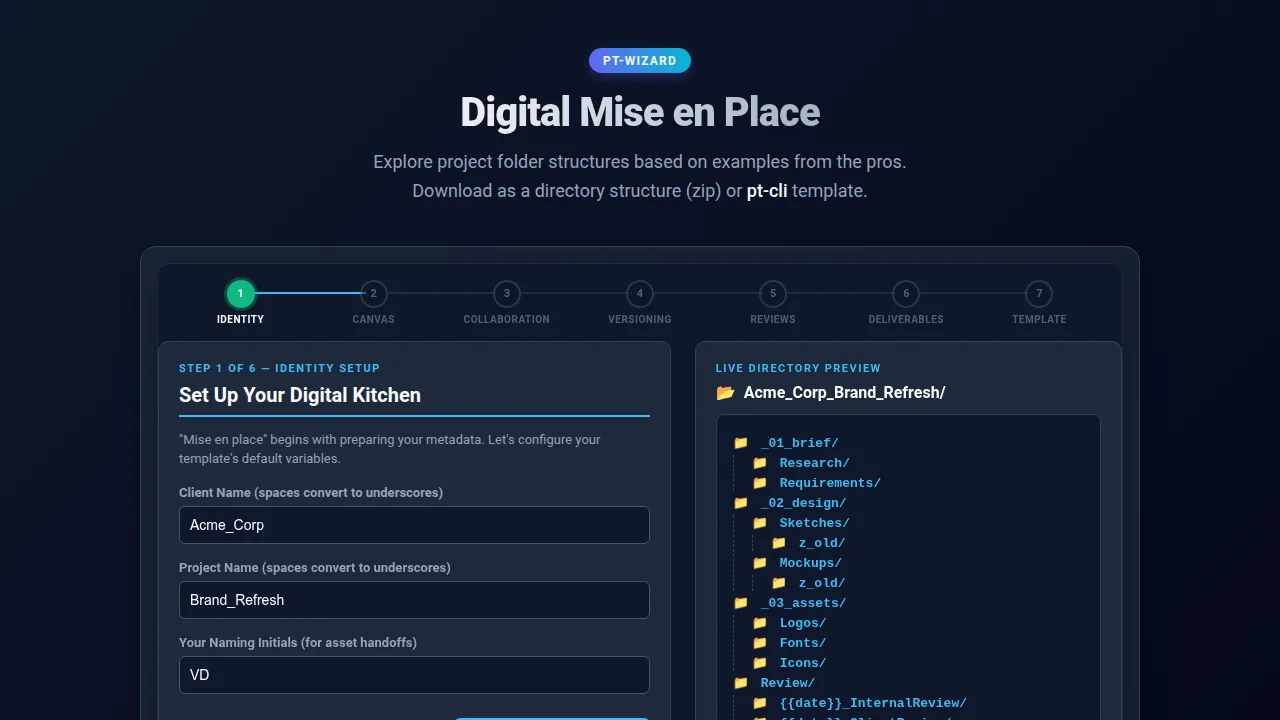
Once you find a layout that fits your domain, PT Wizard gives you a little agency over the final structure. Through a 7-step interactive questionnaire, you can tweak settings, select pipeline modules, and generate a customized directory tree tailored specifically to your project requirements.
Structure can be personal
Design, software development, video editing, and 3D animation have little reason to share the exact same directory layout. A 3D artist cares about geometry, textures, and cache files; a front-end developer cares about package manifests, source modules, and build artifacts. Trying to force these distinct workflows into a single rigid structure often leads to folder sprawl. However, by establishing two core principles—semantic generalization and structural invariants—you can drastically reduce decision fatigue and cognitive load across multi-disciplinary projects.
Semantic Generalization
Rather than creating separate top-level folders for every creative asset, borrow terminology from specialized industries and generalize their scope across mediums, for example:
RENDER/- Originally designated for 3D raytracing outputs, this becomes the unified destination for all rendered media—whether 3D frames, vector PDF exports from Scribus/Inkscape, or flattened PNG renders from Krita.
DAILIES/- Borrowed from film post-production review, this folder serves a single operational purpose: "any update generated today that I need to share with a client or team member."
Structural Invariants
When every project follows the same baseline conventions, your brain stops spending energy asking where a file lives or how it should be named:
- Category vs. Word Separators
- Use underscores (
_) for structural category separators (SCENE_GODOT/) and hyphens (-) for word separators in filenames (category_description-words.extension). - Noun Invariants
- Enforce strict rules on pluralization (e.g., standardized singular
IMAGE/vs. pluralIMAGES/across all projects). - Instant Visual Diffing
- When strict casing and naming rules are maintained across all directories, any rogue or unmanaged file sticks out like a sore thumb instantly.
How to submit a structure
Are creative disciplines really that different, or do high-performing teams share more organizational patterns than we think?
PT Gallery exists to explore whether design, engineering, and digital production share fundamental structural similarities. If you’ve developed a project hierarchy that successfully reduces cognitive load and keeps your team in flow, we want to include it in the registry:
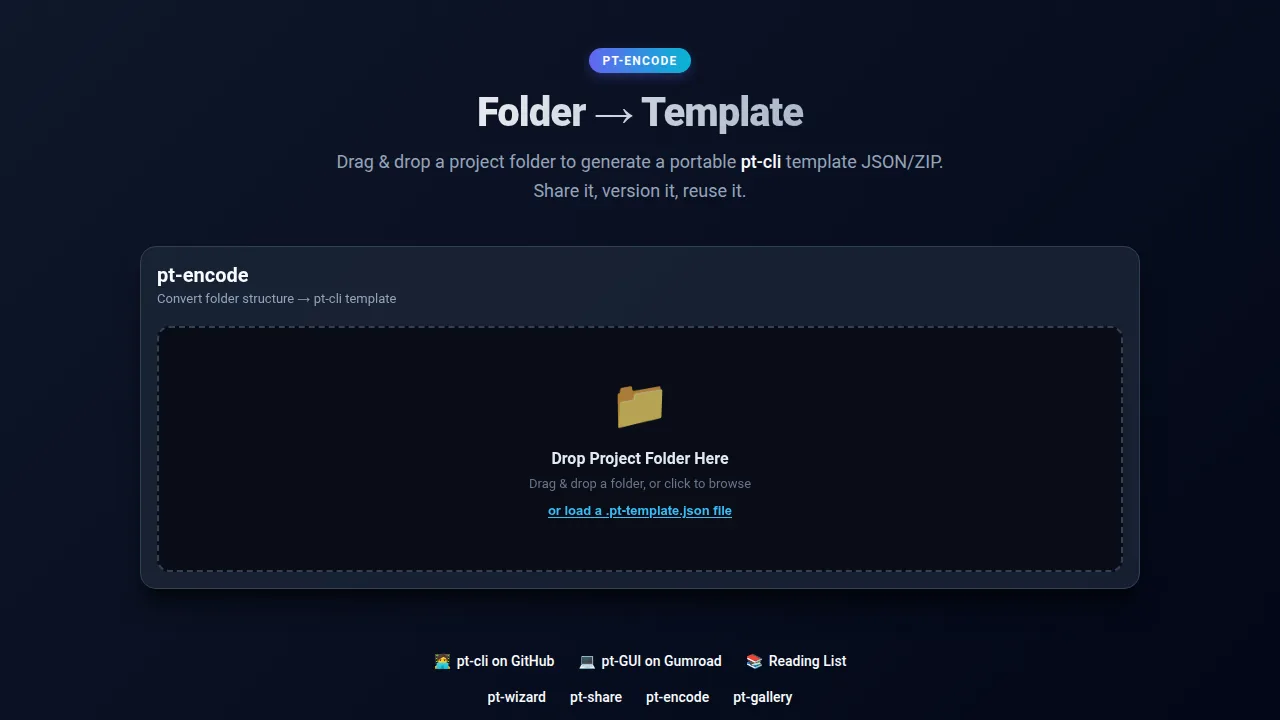
- Drop your project folder into PT Encode to generate a clean, scrubbed manifest (the same format used for local template automation in pt-cli).
- Submit your encoded manifest to add your voice to the gallery (contact info below).
- Help establish a open reference index of production-proven directory structures for the creative community.